
Micro SD cards are too small to label. It’s a problem.
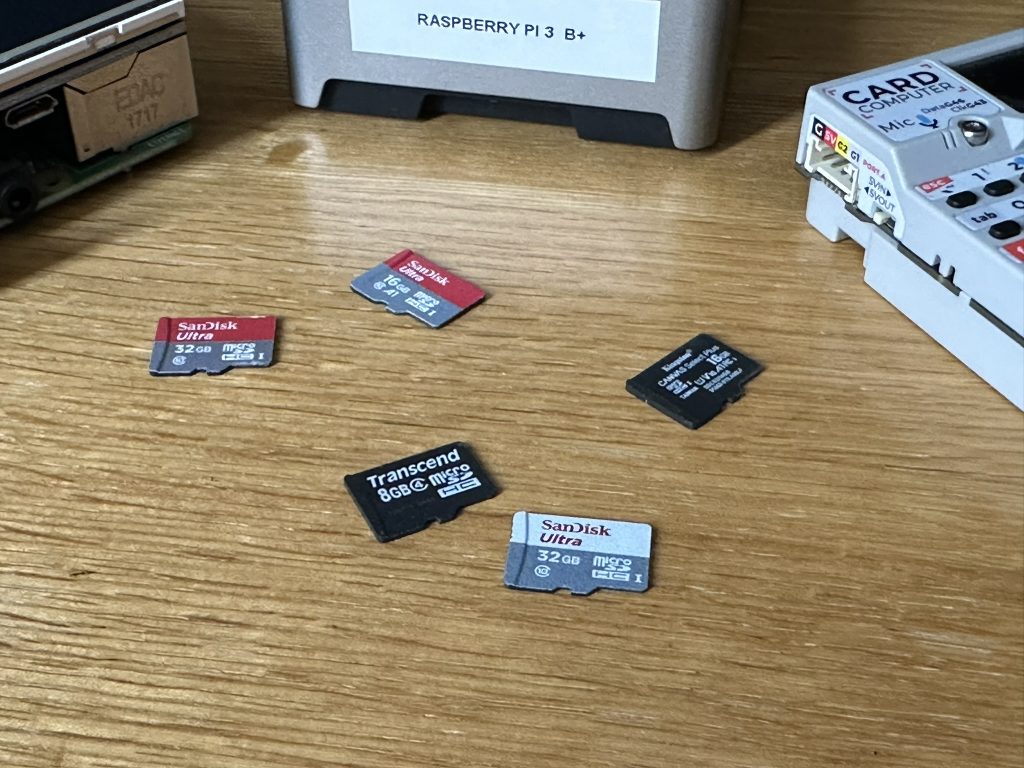
I have a handful of cards sitting here, and if I haven’t put them back into the correct case, there is no easy way to tell what’s on them. I have to put a card into a device and boot it to find out.
Most of them contain Linux images, and there is nothing particularly useful to look at on the card itself. A tiny black rectangle with a manufacturer’s logo doesn’t tell me whether I’m holding a Raspberry Pi desktop, a server, a 3D printer controller or something I haven’t used for two years.
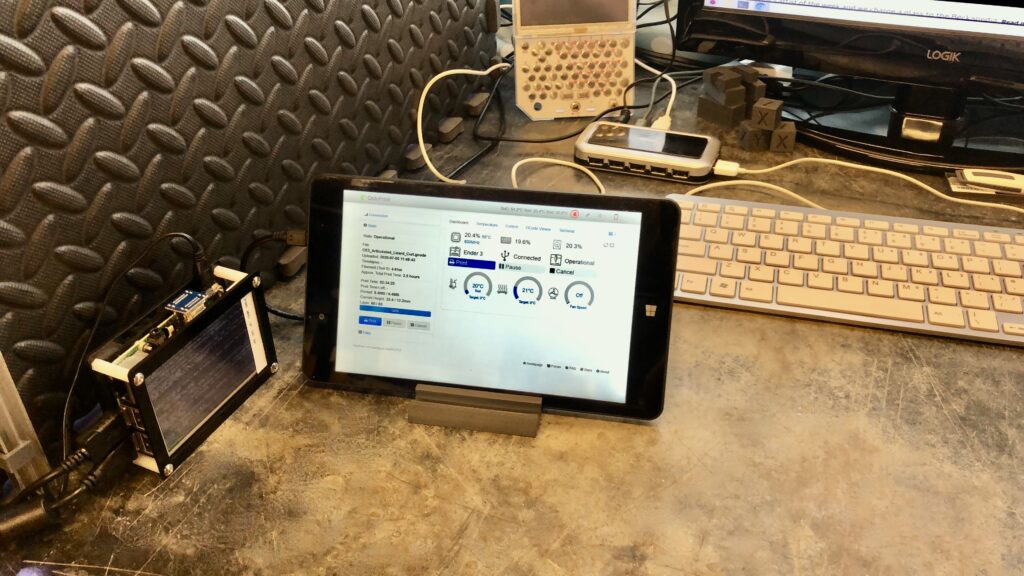
This has become a surprisingly important problem because single-board computers have gradually become my go-to solution for computing jobs around the house.
My workshop has a parts bin filled with different flavours of single-board computers, mostly Raspberry Pis and Arduinos. Originally, these were hobby boards: things to experiment with, write software for and generally tinker with.
Over time, that changed. They are now stock items that I grab from the shelf when I need something to do a job.
At work, if I need a computer to handle a particular task, I’ll generally spin up a virtual machine. At home, I’ll flash an image onto an SD card, put it into a Raspberry Pi and boot it.
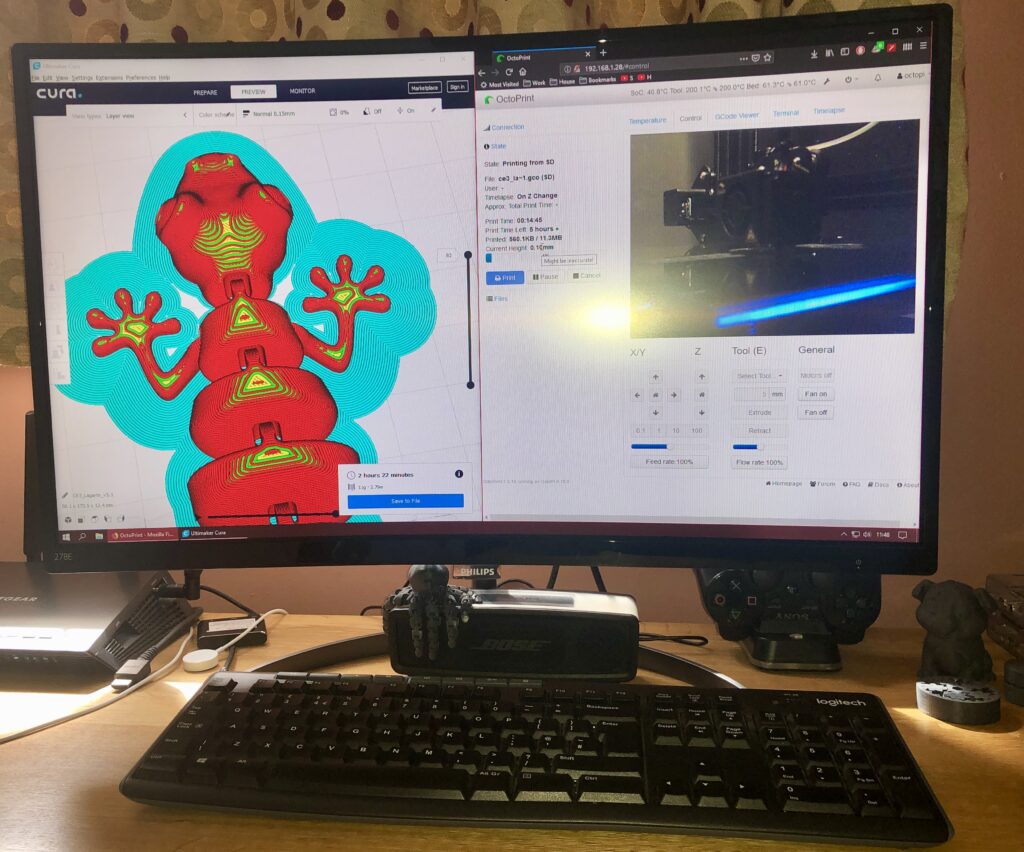
There is OctoPrint, managing jobs for the 3D printer in the workshop and providing the interface between the printer, web browsers around the house and instances of Cura.
There is a Pi-hole, quietly killing adverts across the network while keeping score of what it has blocked.
Another is a web server that I originally used as a jumping-off point for remote sessions. I should probably either harden that one properly or retire it.
There is a RetroPie installation loaded with thousands of arcade and console games.
There is a Kodi build acting as both a media server and a streaming box for otherwise-dumb screens.
And there are a couple of dormant Raspberry Pis sitting in the workshop, waiting for the next problem.
That’s the part I find most useful. I don’t necessarily know what I’ll need a computer for, but I know I have the hardware available when the need arises.
This has become my version of appliance computing.
I don’t have to start with a blank computer and configure an operating system, network, user accounts and display settings every time. I can prepare an image once, including all the configuration it needs, and then treat the resulting SD card almost like an appliance.
Wi-Fi settings, screen resolution, user accounts and application configuration can all be baked into the image. When I need another computer, I select the appropriate image, write it to a card, put the card into a Raspberry Pi and switch it on.
A few minutes later, I have a working computer.
That changes the economics of small computing jobs. Instead of asking whether it is worth setting up a computer to solve a particular problem, I can simply grab a Pi from the shelf and make one.
The hardware is cheap, the software is reusable, and the configuration can be replicated.
The only part of the system that hasn’t kept up is the storage.
The SD cards are all the same size, all look much the same and are too small to label properly.
So I have ended up with a collection of tiny computers that I can deploy in minutes, and a collection of tiny storage devices that I sometimes have to boot just to find out what they are.
I suspect I need a better labelling system.